ultraPacer is a run-planning tool that helps athletes define and execute goals for trail races and adventures. Coaches and crew can collaborate with athletes on race plans.
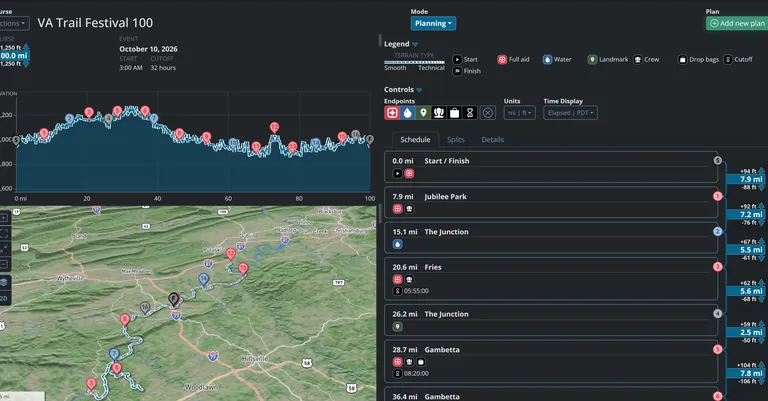
The platform uses models to account for course and event factors - such as terrain difficulty, elevation change, altitude, and more - to break down a run into data-backed split times.

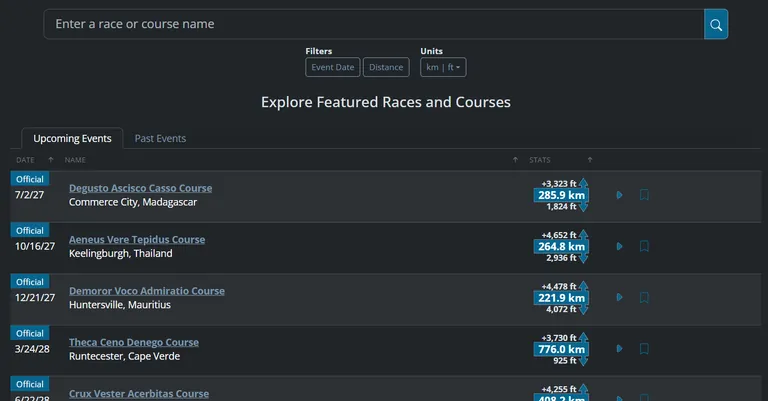
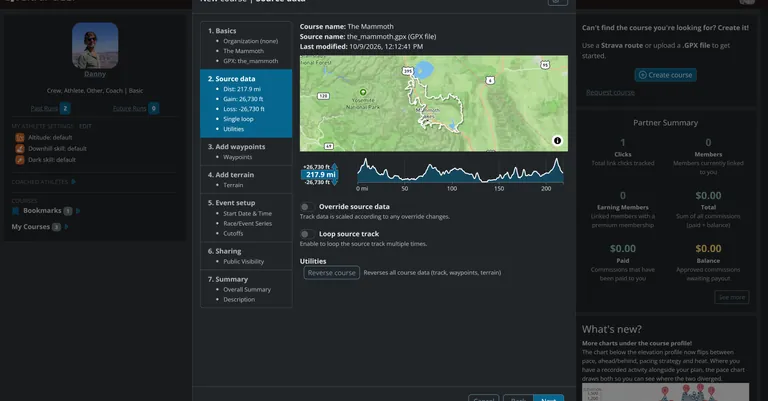
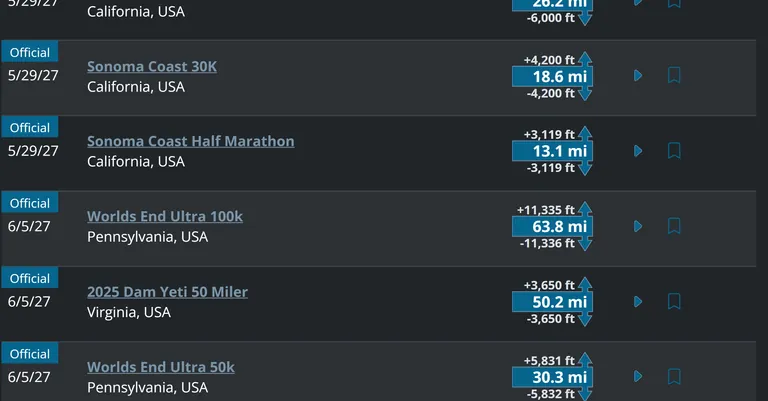
Search through ultraPacer’s growing database of courses or create your own!
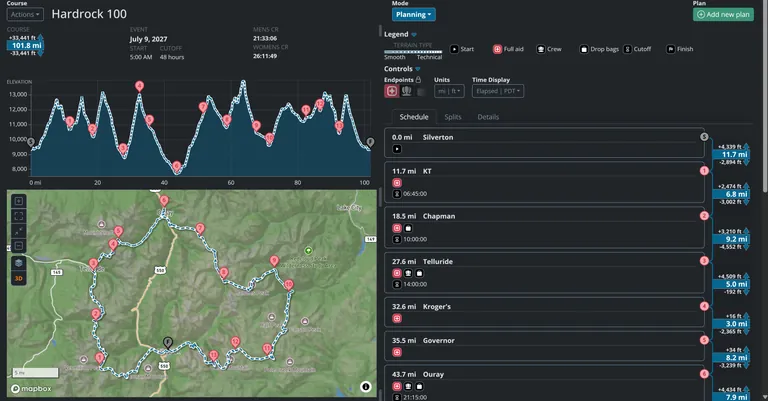
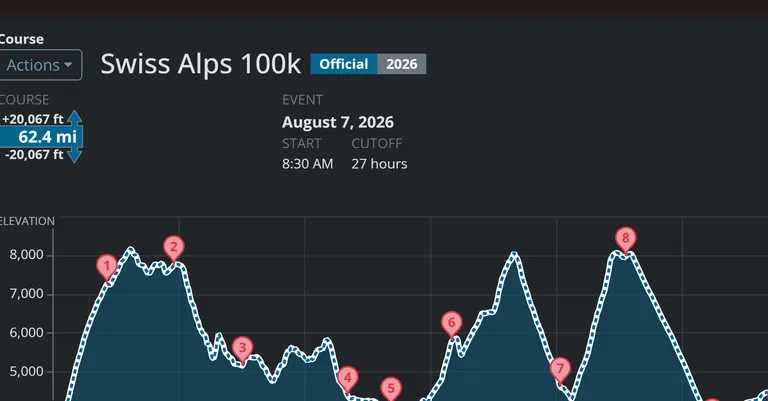
Starting with a GPS track, Strava track, or a copy of a course on ultraPacer, you can add waypoints (e.g. aid stations, water stops, and landmarks), define terrain difficulty, and set up events.
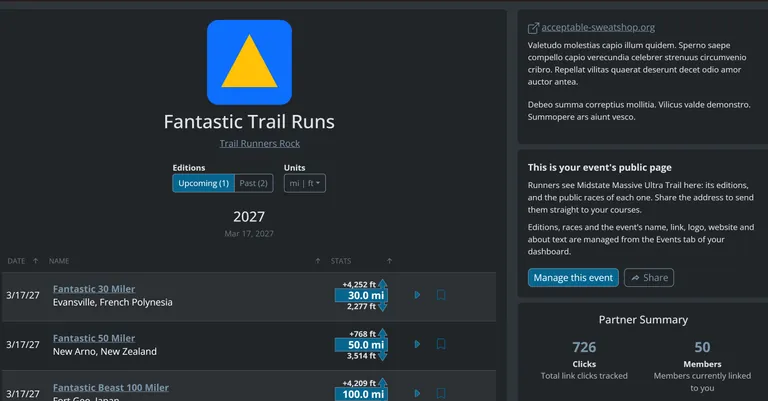
Race admin can tag official courses and manage their events so that runners can prepare with the most accurate data.

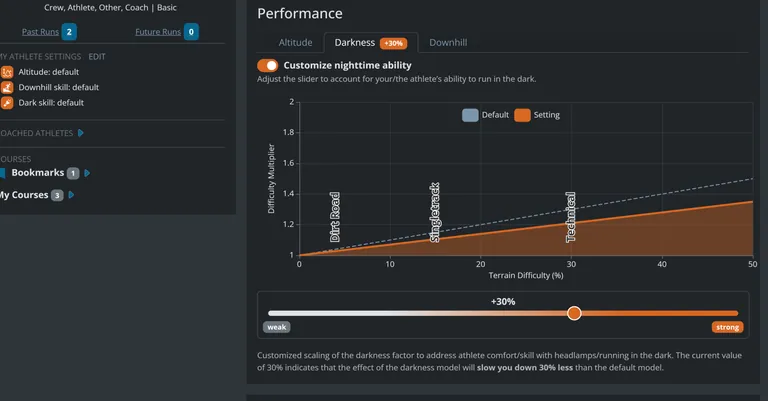
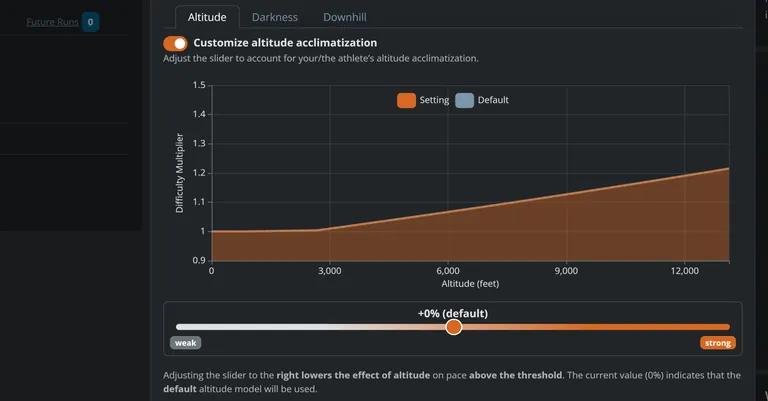
Tailor your pace plan to your skill and style of running using ultraPacer’s settings: altitude, darkness, downhill skill, heat, uphill and downhill approach, and overall change in pace can all be accounted for as you create your plan.
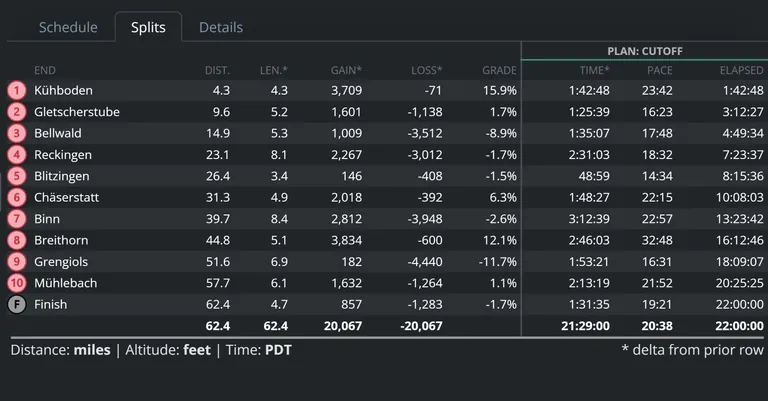
Split times are determined by your settings, course factors such as terrain difficulty, grade, elevation gain and loss, and your target goal - total elapsed time, average pace, or normalized pace.

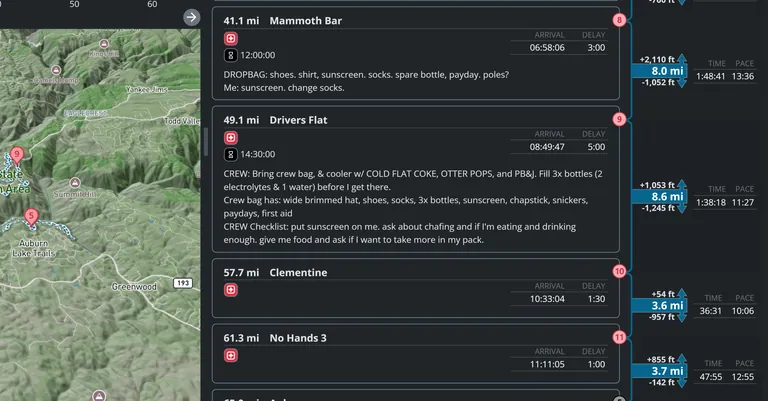
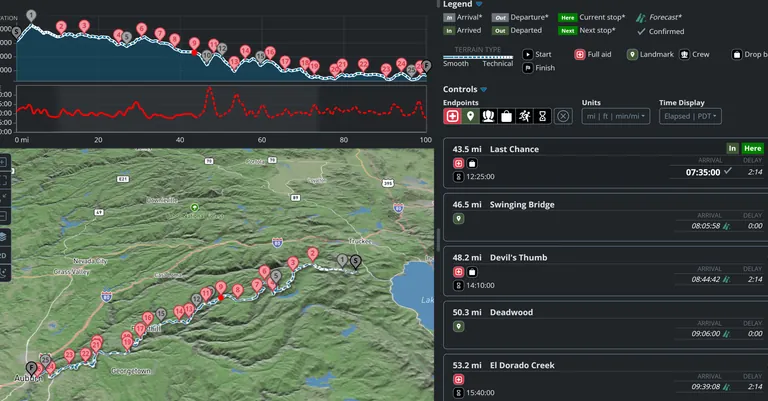
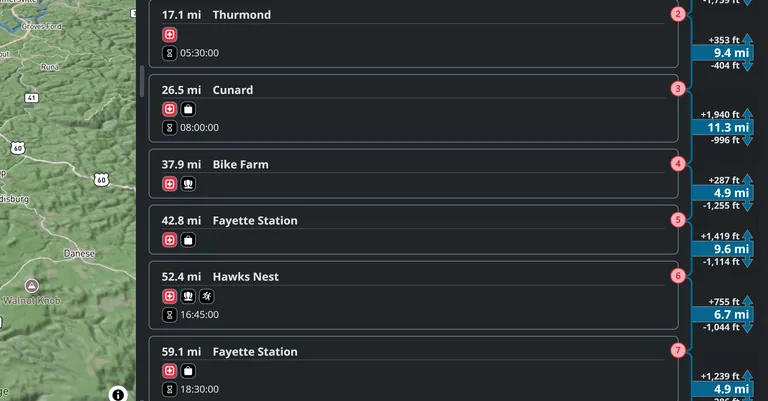
Share your plan with your crew so that they know when to expect you at aid stations and crew stops. Add notes to your plan for gear changes, pacer pickup, nutrition info, and more. View crew and pacer permissions at waypoints on the course page.
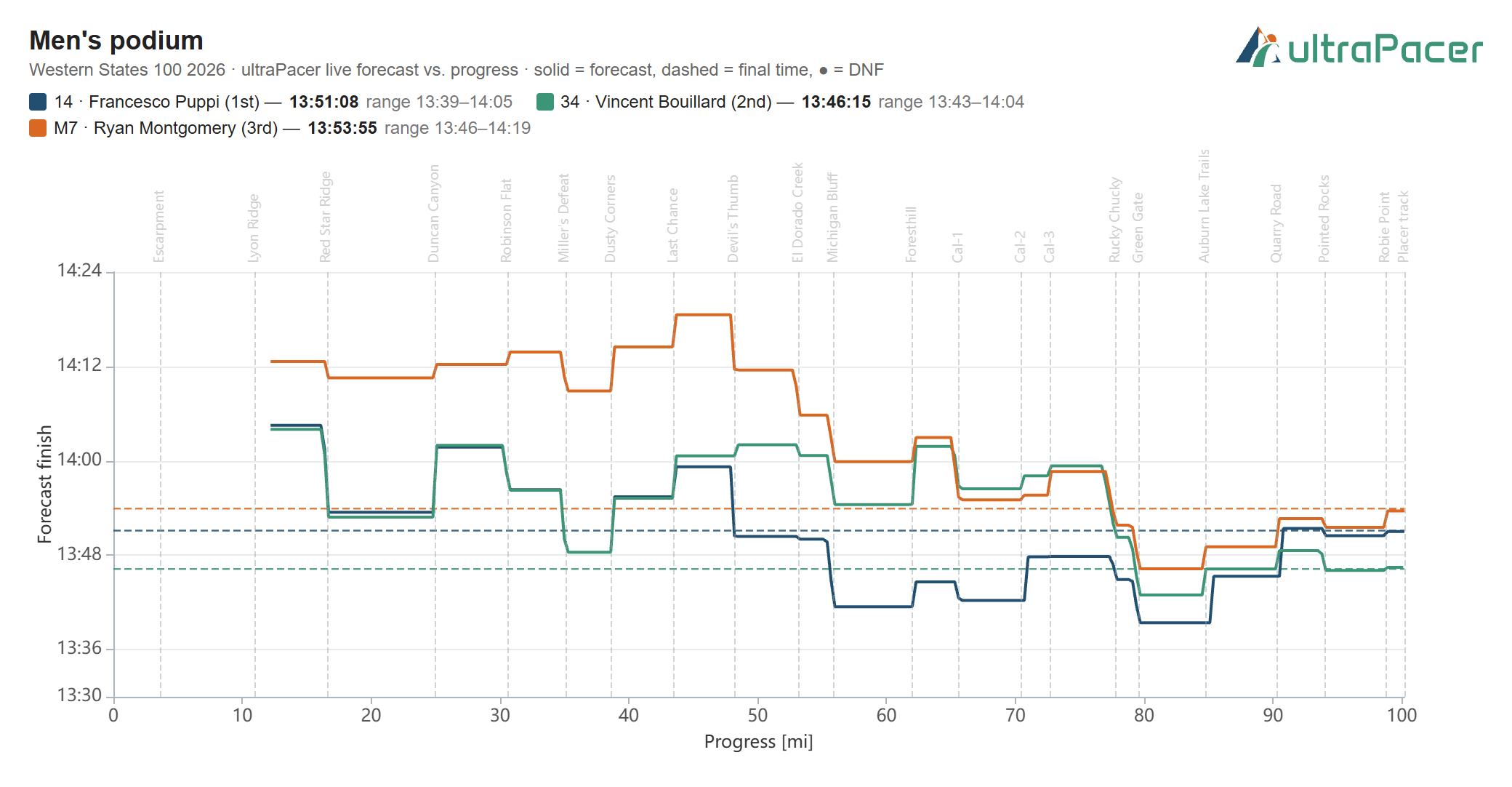
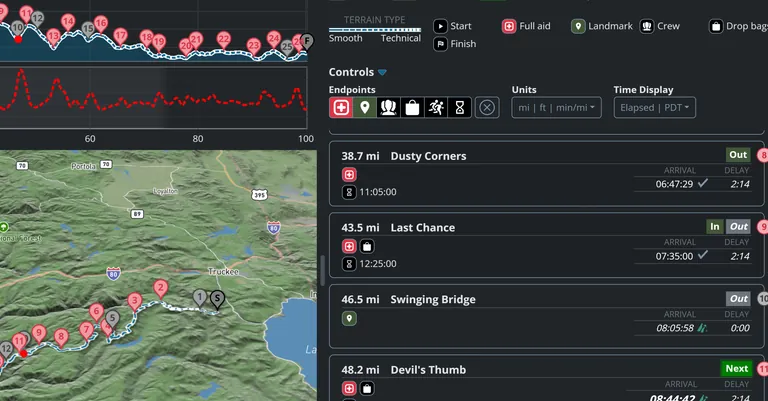
Use live check in at waypoints to project and update future arrival times and finish times during events (feature currently in beta).

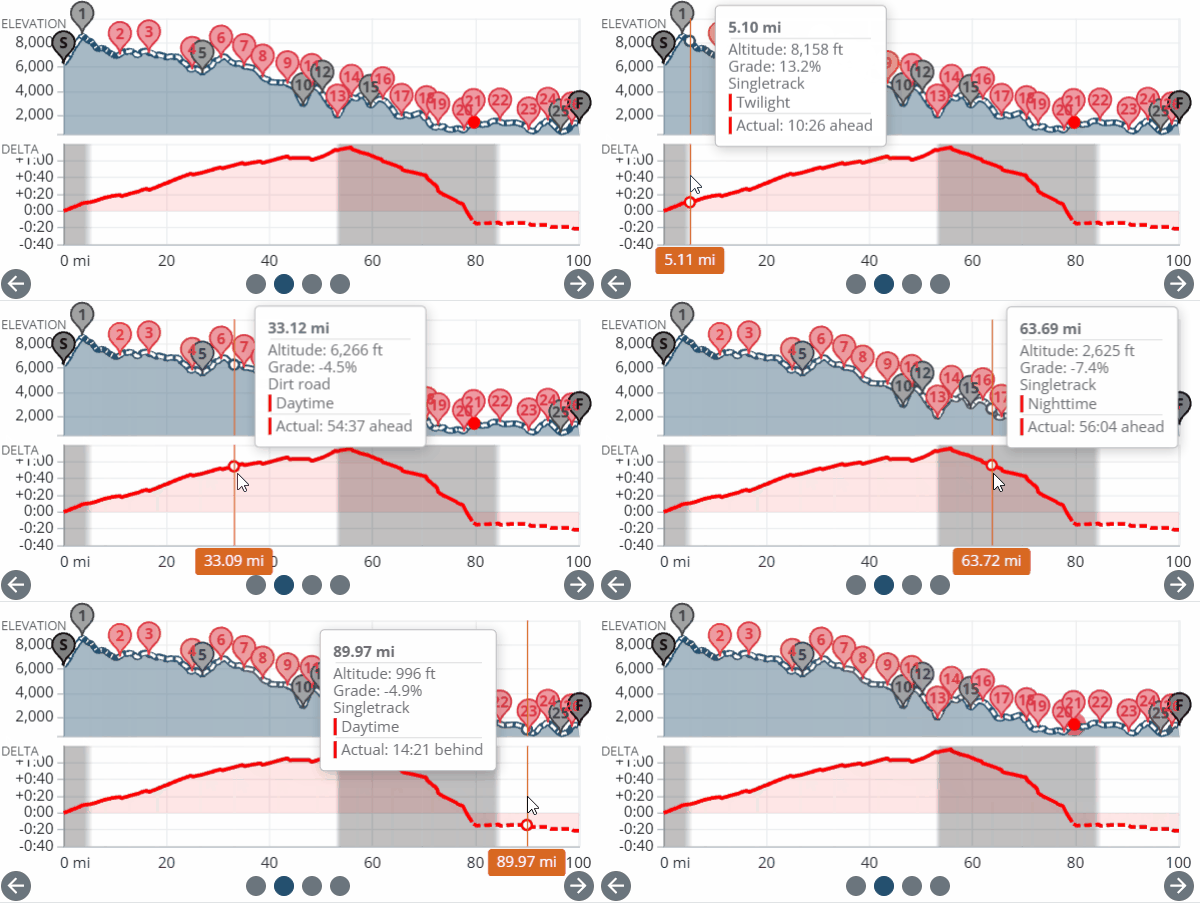
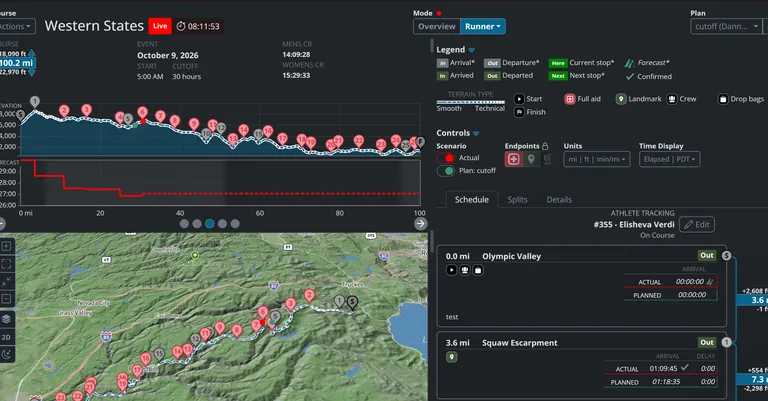
ultraPacer forecasts a runner's future aid station splits and finish time based on current performance. Enter your runner's arrival times at aid stations to get the most up-to-date projections. Pair this with a plan to compare a runner's performance to their goal splits throughout the race.
*Some races with live split data will update on race day automatically - just track your runner by adding their bib number!*

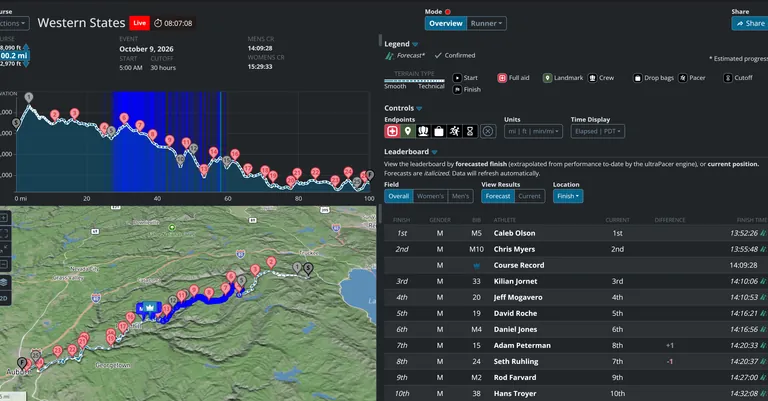
Enter the age of ultra spectating with Race Overview! Where available*, keep track of the race using the leaderboards, view projected finish times and waypoint arrivals for the whole field, and track specific runners.
*Race Overview is only available for select events timed by specific timing companies - these races will show up in the Live menu in the navigation bar.*

Break down course segments, distance splits, climbs, and descents by distance, time, pace, grade, elevation change, and other metrics. View the influence of each factor on your paces and overall finish time.

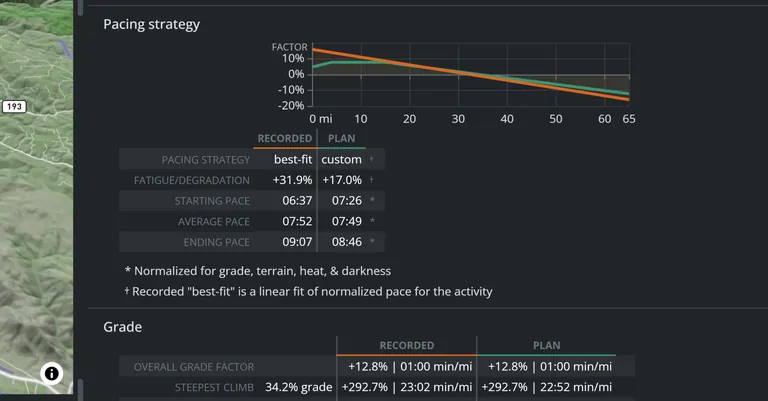
Upload a gpx file from your smartwatch or phone, or use a Strava activity to compare your run performance to your plan. Analyze your performance data, find your normalized pace and overall change in pace, and see how closely your paces matched ultraPacer’s projections.

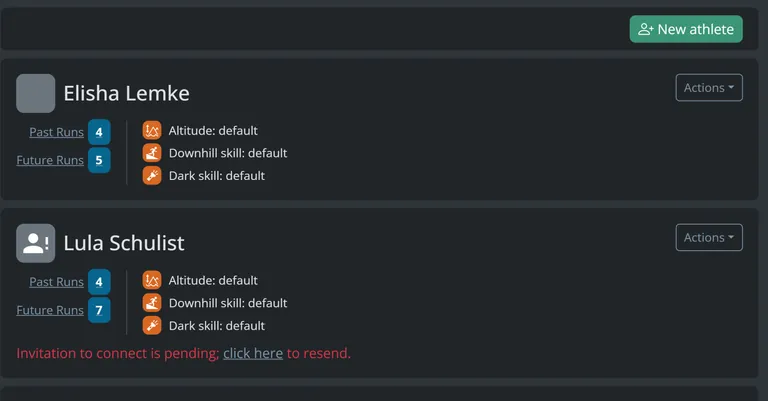
Coaches can manage their roster, create plans and tailor settings for athletes, and keep track of their athlete’s upcoming events in their dashboard.