Documentation
This documentation is a work in progress. Check out videos on the ultraPacer YouTube Channel. Feature requests or issue/bug reports? Suggest, vote, and comment in the Feedback Hub.
Anything else? Contact me directly.
Getting Your Course Added to the Featured Races Page
To have your course featured on the Featured Races page, ensure it meets the following criteria:
Requirements
Course is “Visible to Public”
- Enable this in Step 6 (Sharing) when creating or editing your course
- Public courses can be viewed by anyone with the link
Start date/time is correct
- Set accurate event date and time in Step 5 (Event setup)
- Include timezone information
- This helps runners find upcoming races
Terrain factors are consistent
- Follow the guidance in the About the models section
- Typical ranges:
- Paved: 0%
- Fireroad: 2-6%
- Doubletrack: 6-10%
- Singletrack: 10-20%
- Technical: 20-50%+
- Accurate terrain factors help runners create realistic pace plans
Course is searchable
- Enable “Searchable” option in Step 6 (Sharing)
- This allows the course to appear in search results
Submission Process
Once your course meets all the requirements:
- Verify all course details are accurate (distance, elevation, waypoints)
- Test the course by creating a sample plan
- Contact us with:
- Course name and URL
- Race organization/series name
- Any special features or notes about the event
We’ll review your submission and add it to the Featured Races page. We’re here to help if you need assistance with course setup!
What's new?
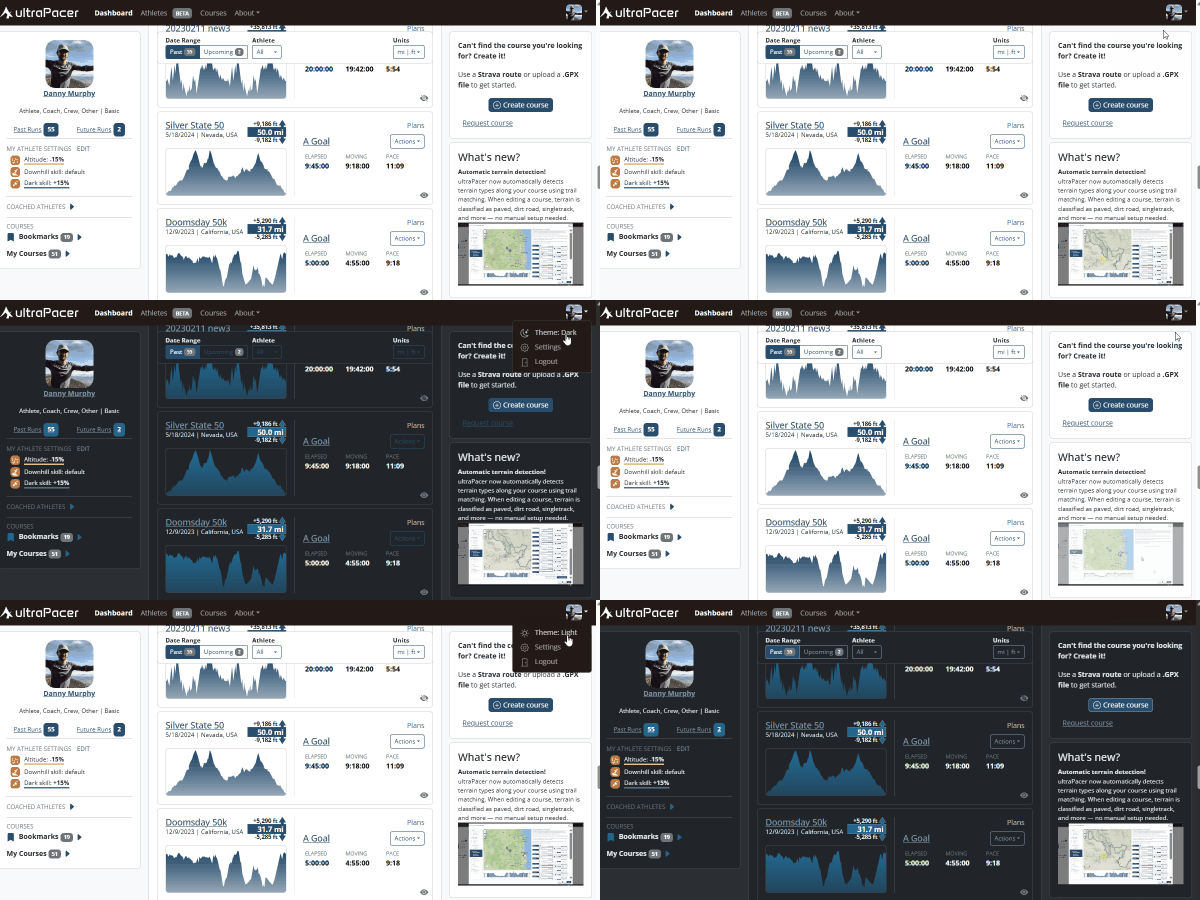
Dark mode is here!
ultraPacer now has a dark theme that’s easier on the eyes in low light. Tap the theme option in the menu to switch between light, dark, or auto — which follows your system setting.